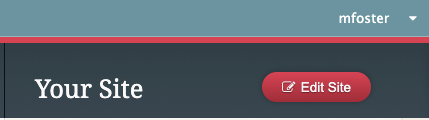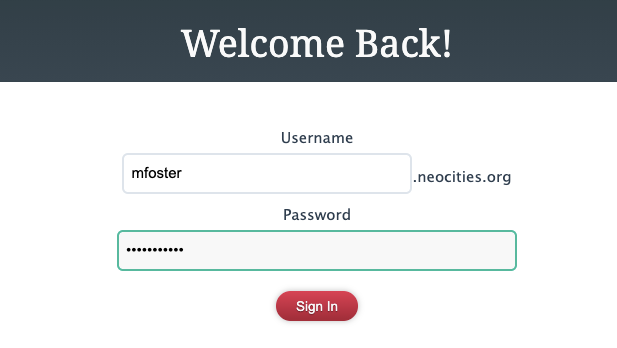
1. Log into neocities.org (make an account if you haven't already):
2. Click "Edit Site" in the upper-right:
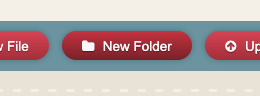
3. Click "New Folder":
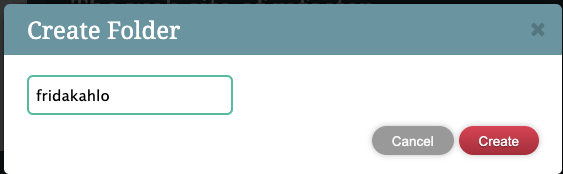
4. Name the folder for your famous person (all lower case, no spaces), then click Create:
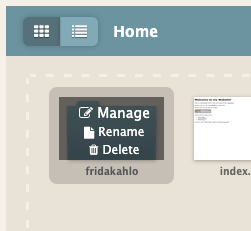
5. Roll your mouse over your new folder icon, then click Manage:
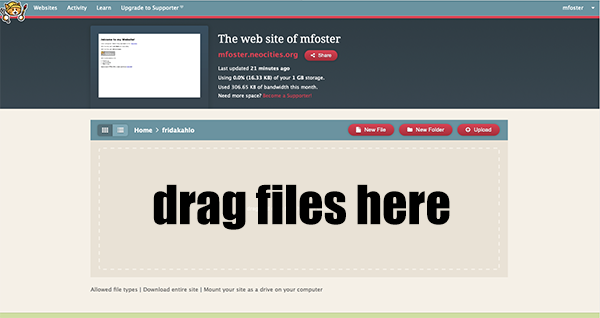
6. Drag your three files from the desktop (your webpage ending in .html and your two pictures) into your new empty folder. You can also click the Upload button and upload them that way.
7. Try out your new page by going to the following web address:
yourusername.neocities.org/yourfamouspersonfoldername
8. Problems? Check that your page is named index.html (all lower-case).